Adobe Photoshop
Adobe Photoshop is the raster graphics editor from Adobe for photo retouching and image editing. Version 2026 27.10 installs as a trial on Windows.
2.4 MB
Adobe Illustrator Online refers to using Adobe's vector design tool through the browser and Adobe's web services, with an Adobe account and plan.
Average 0.0 · ratings: 0
Thank you! Your rating is saved; you can change it. Could not save the rating. Please try again later. Too many ratings from your network today. Please try again tomorrow. The average appears after 5 ratings.
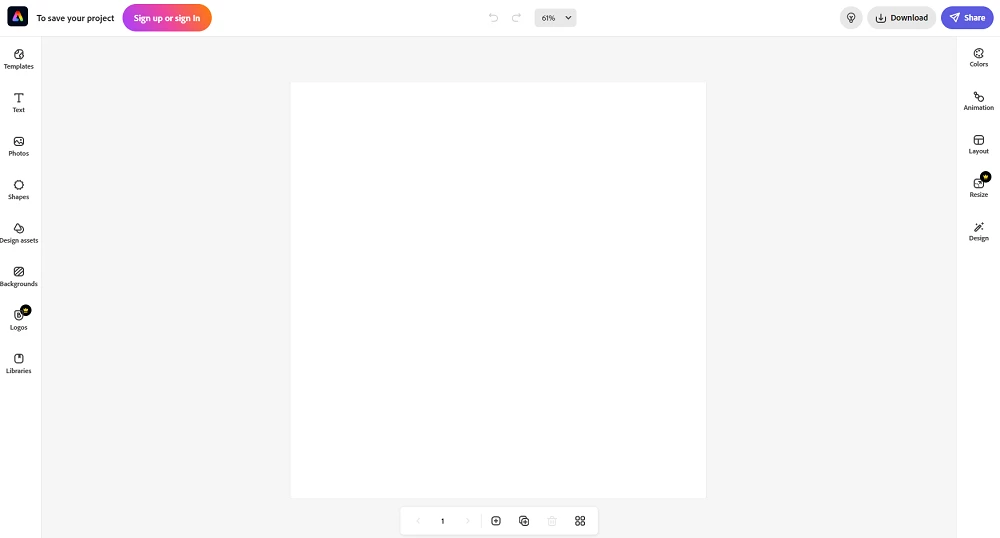
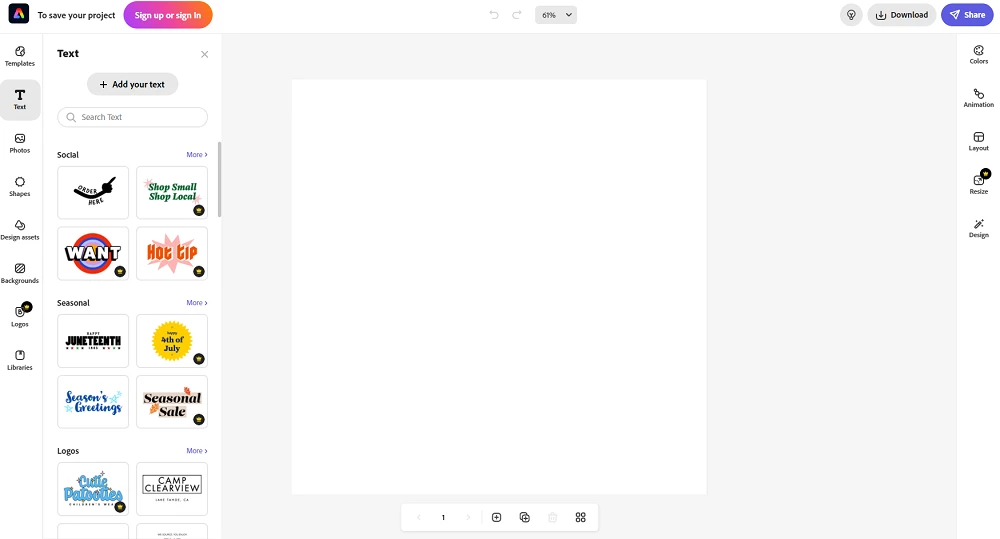
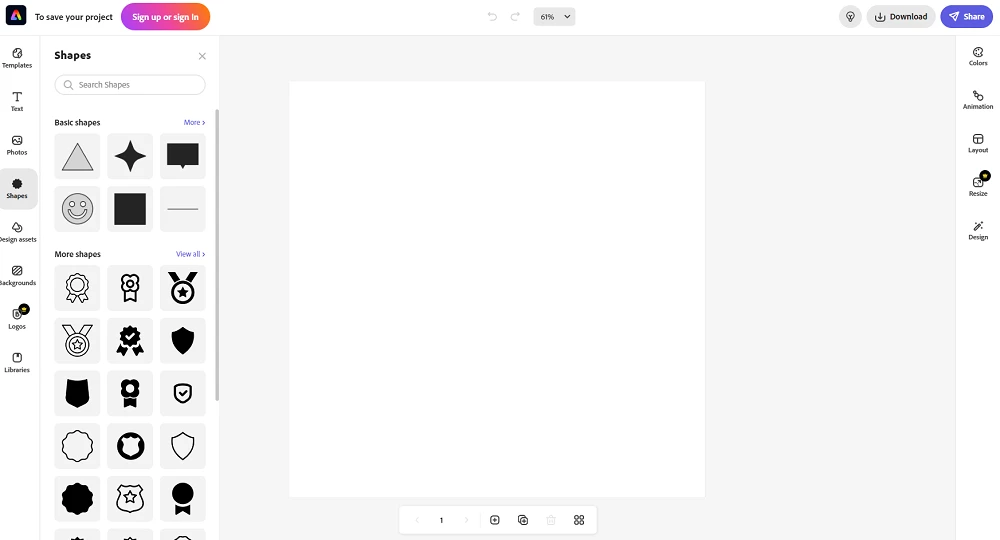
Adobe Illustrator Online is the browser-based way to work with Adobe Illustrator, Adobe's vector graphics software for logos, icons, illustrations and layouts. Instead of installing the full program, you open Illustrator's web experience after signing in to your Adobe account. There is no separate file to download for the online version itself; for the full desktop app, Adobe offers a free trial download of Illustrator.
Illustrator works with vector graphics: shapes defined by paths rather than pixels, so they stay sharp at any size, from a business card to a billboard. In the browser you can create and edit such designs, work on files stored in Adobe's cloud and share them for feedback. This is convenient on a PC where you cannot install software, on a lightweight laptop, or when a colleague needs to review or make a small change to a design without setting up the desktop app. Complex projects with many layers, advanced typography or plug-ins are still best handled in the desktop version, which offers the complete tool set.
Illustrator is a paid Adobe product. Adobe offers a free trial, after which a subscription is required. Check what the trial includes and when it ends, and cancel in your Adobe account if you do not want to continue.
The desktop Illustrator runs locally, works offline once installed and has the full set of features. The online experience trades some of that depth for convenience and quick access from any PC. Many designers use both: desktop for main work, browser for quick edits and reviews. Adobe describes new features in its Illustrator release notes.
Sign in only on adobe.com. Phishing pages that imitate Adobe's login are common, as are "free Illustrator" downloads on unofficial sites that contain malware. Turn on two-step verification for your Adobe account.
Our listings include Adobe Illustrator for the desktop, CorelDraw as another professional vector editor, and GIMP and Microsoft Designer for free or simpler graphics work.
Adobe Photoshop is the raster graphics editor from Adobe for photo retouching and image editing. Version 2026 27.10 installs as a trial on Windows.
Adobe Illustrator is Adobe's vector graphics editor for logos, illustrations and print design. This page covers Illustrator CC 2026, version 30.8, for Windows.

PicWish is an AI photo editing app for Windows that removes backgrounds, cleans up images and prepares product photos with a few clicks.

PixelLab is an Android app from App Holdings for adding text, stickers and effects to photos; on a Windows PC it runs through an Android emulator.
Adobe Photoshop CS6 is an older perpetual-licence version of Adobe's image editor for Windows; Adobe no longer sells or updates it, and today's Photoshop is subscription-based.